Crack a high-paying career in ‍UI/UX & Creative Design

100% Gauranteed Placement | Job Oriented Courses

Bannerlandingpage

Who We Are

Why UI UX Design Box

UIUX DESIGN BOX Are Design Institute is an online education provider that offers courses in UIUX design. The institute was founded in 2015 by a team of experienced UIUX designers and educators. Their mission is to set the standard in UIUX education globally and to make quality UIUX design education accessible and affordable to everyone.

 aboutusposter

Our Courses

The UI UX Design Box offers a Variety of Courses Including:

UIUXdiploma

The Professional Diploma in UIUX Design

This course is credit-rated by UIUX design box and covers everything you need to know to become a certified UIUX professional.

UIUXfoundation

The UX Design Foundation

This course is a great introduction to UIUX design for anyone who wants to learn more about the field.

UIUXBootcamp

The UIUX Design Bootcamp

This course is a more intensive program that will teach you the skills you need to start a career in UIUX design in just 1 weeks.

Students

Courses

Instructors

Companies

Features

Key Takeaways From UI UX Design Box

features section annimation

Live Industry Project

Internship Opportunities

100% Gauranteed Placement

Job Oriented Courses

Industry Experienced Mentors

Zero Coding Courses

Course Details

This course will introduce you to the fundamentals of user interface (UI) and user experience (UX) design. You will learn about the different aspects of UI design, such as typography, color, and layout. You will also learn about the different aspects of UX design, such as user research, usability testing, and prototyping. By the end of this course, you will be able to apply the principles of UI/UX design to create effective and user-friendly products and services.

Upon completion of this course, you will be able to:

Understand the basics of UI and UX design

Conduct user research and usability

Testing Prototype and iterate on designs

Communicate effectively with stakeholders

Apply the principles of UI and UX design to create effective and user-friendly products and services


Your final grade will be based on the following:

Midterm Exam (30%)

Final Project (70%)

Introduction to UI/UX Design

User-Centered Design

User Research

Usability Testing

Prototyping

Wireframing

Visual Design

Typography

Color Theory

Layout

Interaction Design

Information Architecture

Ethics in UX Design

Assessment
course details section banner

What UI UX Design Box offers?

banner below features

User Experience

User Design

Figma

App Designing

Graphic designing

Web Designing

COURSE CURRICULAM

What you learn in 14 weeks?

Week-1

UX Fundamentals

  • History of Design
  • Design Thinking
  • Understanding User
  • Design Process

WEEK-2

UX Process

  • User Research
  • Stakeholder Mapping
  • Competitive Analysis
  • Empathy Mapping

Week-3

UI Design

  • Introduction of UI Design
  • Toolbar
  • Layer Panel
  • Properties Panel

Week-4

UI Validate

  • Grids
  • Column Grid
  • Modular Grid
  • Hierarchial Grid

Week-5

Typography

  • Fonts
  • Letter & Line Spacing
  • Typefaces
  • Weight, Height, Size & Alignment

Week-6

Colour

  • Colour Harmonies
  • Proper Colour Usage
  • Colour Theory
  • Inspiration

Week-7

UI Develop

  • Principles of Visual Design
  • Sketching & Wireframes
  • Create Components
  • Responsive Design

Week-8

UI Develop

  • Interaction Design
  • Design Patterns
  • Style Guidelines
  • Design Systems

Week-9

UI Design & Laws

  • Proximity
  • Similarity
  • Continuity

Week-10

Projects

  • Scratch Project
  • Redesign Project
  • New Feature Projects

Week-11

Build Case-Study-1

  • Case Study Examples
  • Clickable Prototypes
  • Compliation of User Research
  • Photographs

Week-12

Building Case-Study-2

  • Build Case Study
  • Project Presentation
  • Case Study on Screen

Week-13

Frontend Overview

  • Html
  • CSS
  • Javascript

Week-14

Photoshop & Illustrator

  • Fundamentals of Photoshop
  • Sorting & Importing Images
  • Working with Colours
  • Creating Layers

Pricing

Check our Pricing

Gold Course

Rs.20k
1st course
  • UX Design
  • UI Design
  • Define
  • Validate
  • Develop
  • Project Building
  • Case-Studies
  • 100% Placement Support
Enquire Now
Featured

Diamond Course

Rs.35k
2nd course
  • UX Design
  • UI Design
  • Define
  • Validate
  • Develop
  • Project Building
  • Case-Studies
  • 100% Placement Support
Enquire Now
Featured

Premium Course

Rs.50k
3 course
  • UX Design
  • UI Design
  • Define
  • Validate
  • Develop
  • Project Building
  • Case-Studies
  • 100% Placement Support
Enquire Now

Other Courses

other course
  • Graphic Designing
  • Web Designing
  • Figma
  • App Designing
  • Web Designing
  • 100% Placements
  • Live Projects
  • Industry Experience
  • Mentor Guidance
Enquire Now

F.A.Q

Frequently Asked Questions

UI (User Interface) design refers to the visual and interactive elements of a product, such as buttons, icons, and layout. UX (User Experience) design focuses on the overall experience and how users interact with the product. UI design is more about the aesthetics and presentation, while UX design is concerned with usability, functionality, and the emotional response of users.

The user-centered design process involves understanding the needs and behaviors of users and designing products that meet those needs. It typically includes research, ideation, prototyping, testing, and iteration. By involving users throughout the design process, designers can create products that are intuitive, effective, and enjoyable to use.

There are several popular tools used for UI/UX design, including:
  • Sketch: A vector-based design tool commonly used for creating interfaces and wireframes.
  • Adobe XD: A comprehensive design tool for creating prototypes and interactive designs.
  • Figma: A cloud-based collaborative design tool for UI/UX design and prototyping.
  • InVision: A prototyping tool that allows designers to create interactive and animated prototypes.
  • Axure RP: A prototyping tool that offers advanced features like conditional logic and dynamic content.

Responsive design is an approach that aims to create interfaces that adapt to different screen sizes and devices. It ensures that the design and layout remain usable and visually appealing across a range of devices, from desktops to smartphones. Responsive design is essential because it allows users to have a consistent and optimized experience, regardless of the device they use to access the product.

Microinteractions are small, contained interactions that occur within an interface, usually in response to a user action. They can include elements like button animations, form validation feedback, or progress indicators. Microinteractions are significant in UX design because they provide immediate feedback, enhance the perceived responsiveness of the interface, and create a more engaging and delightful user experience.

A/B testing involves comparing two versions (A and B) of a design or feature to determine which one performs better in terms of user behavior or business metrics. A/B testing is relevant in UI/UX design as it allows designers to make data-driven decisions, optimize the user experience, and improve conversions. It helps evaluate the impact of design changes and validate hypotheses by measuring user engagement, click-through rates, conversion rates, or other predefined success metrics.

Gallary

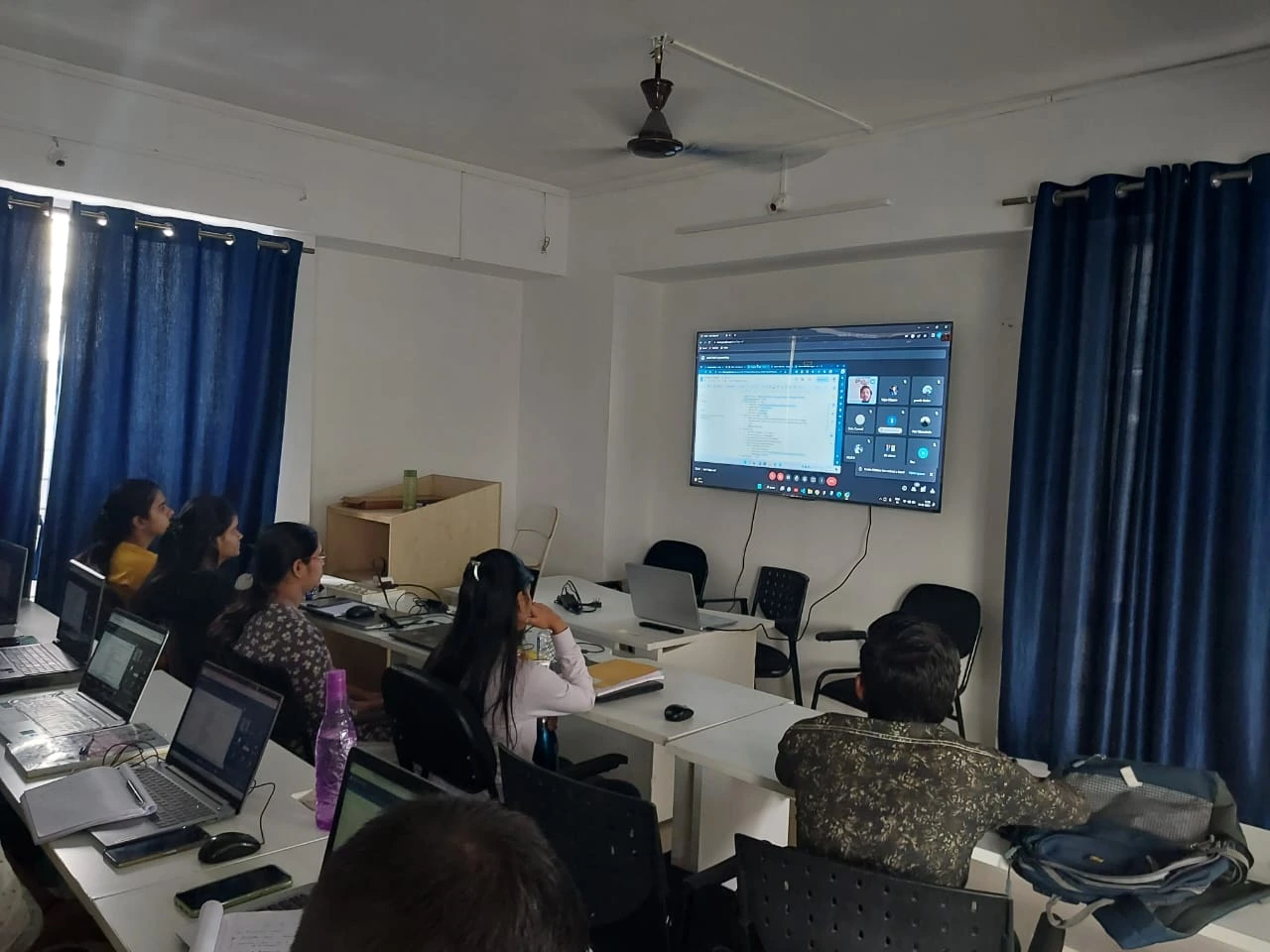
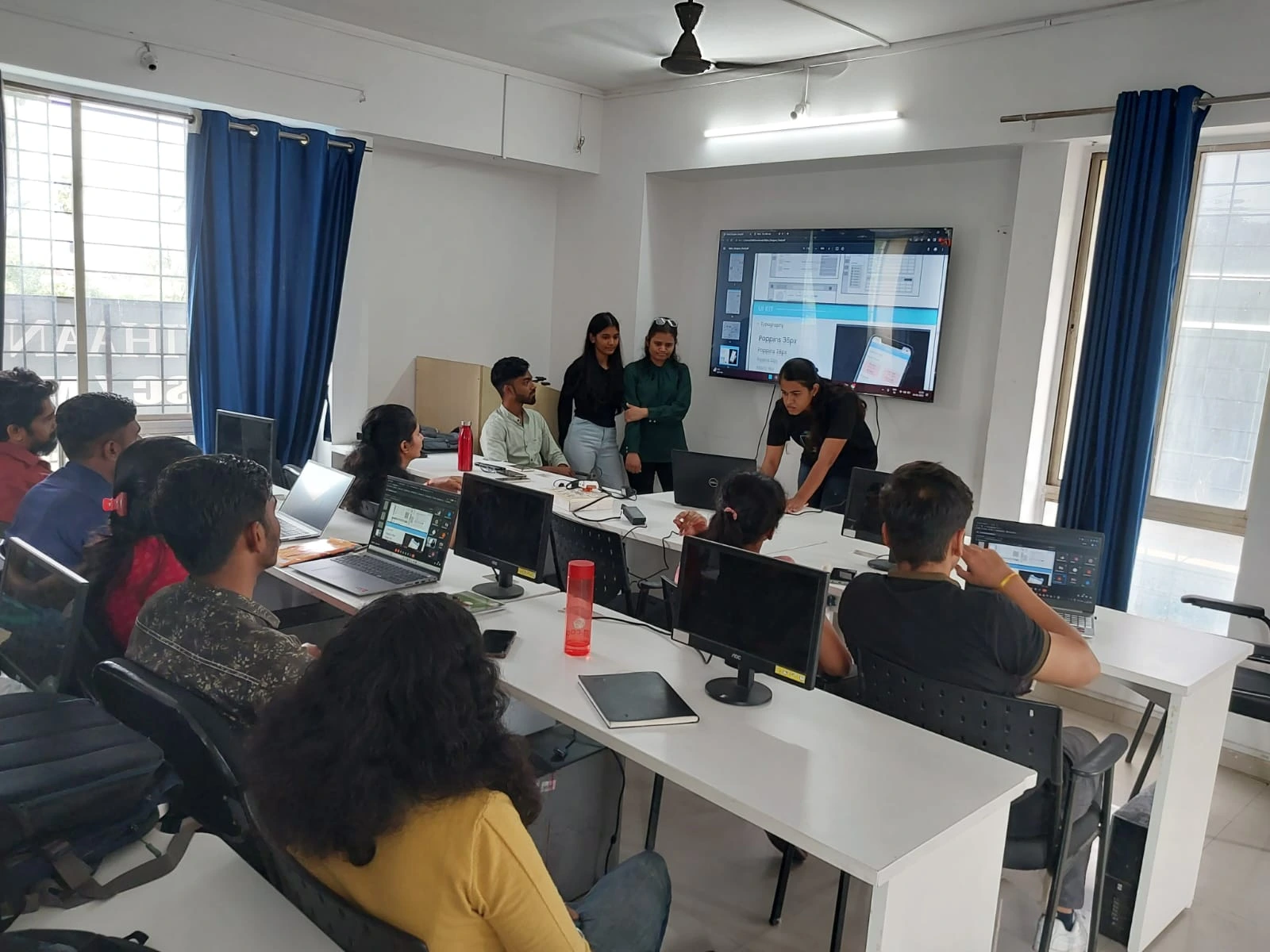
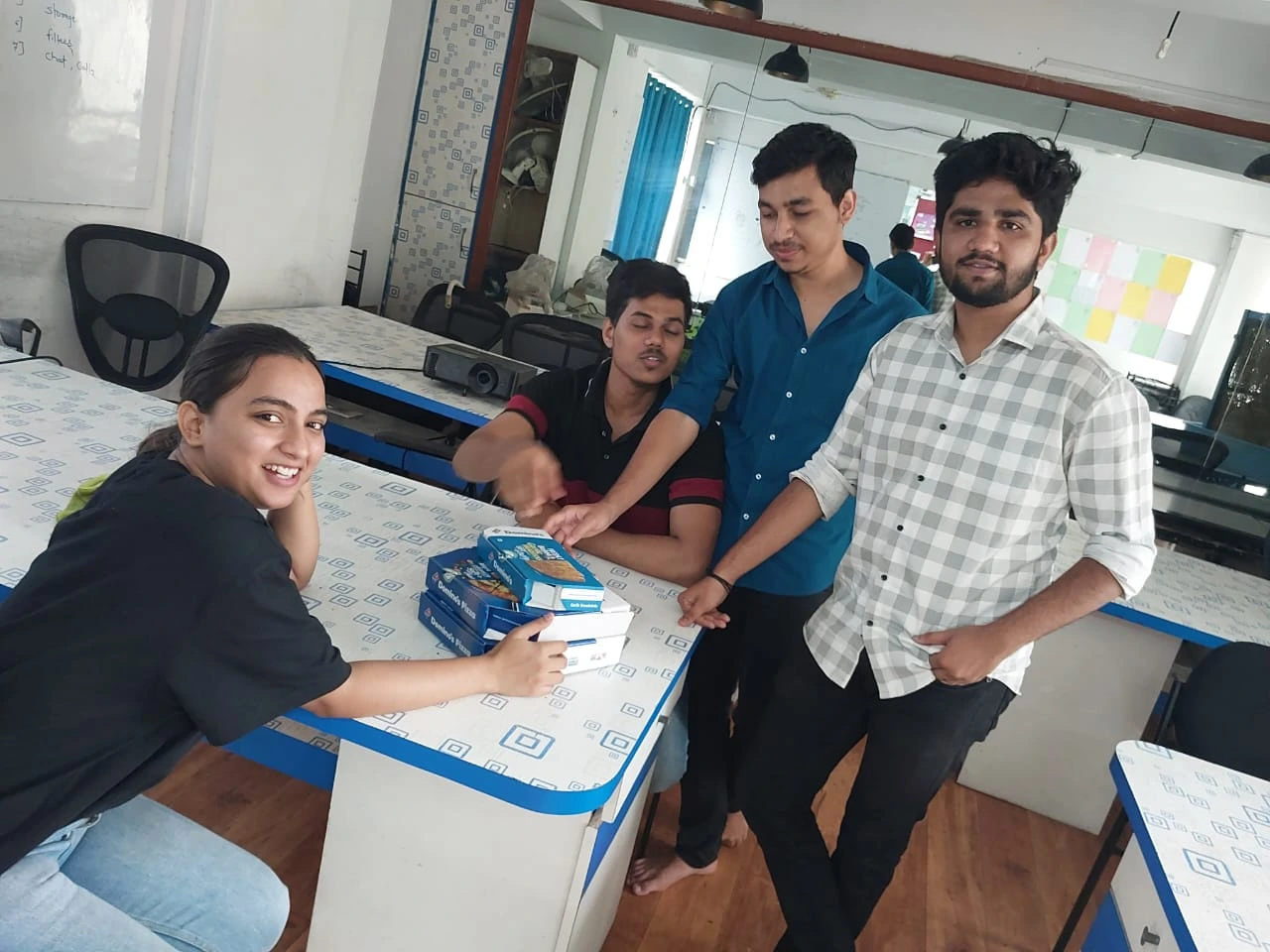
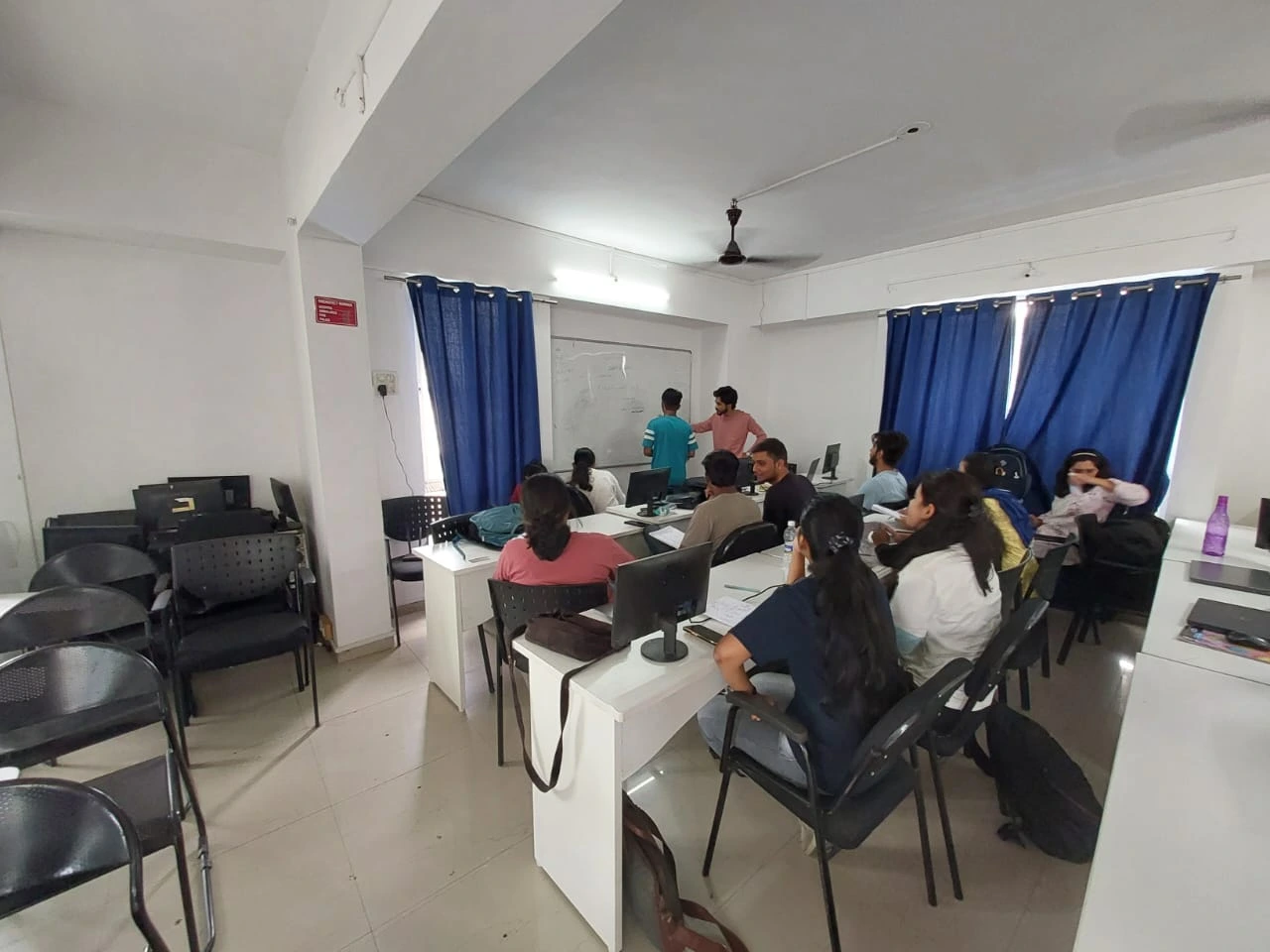
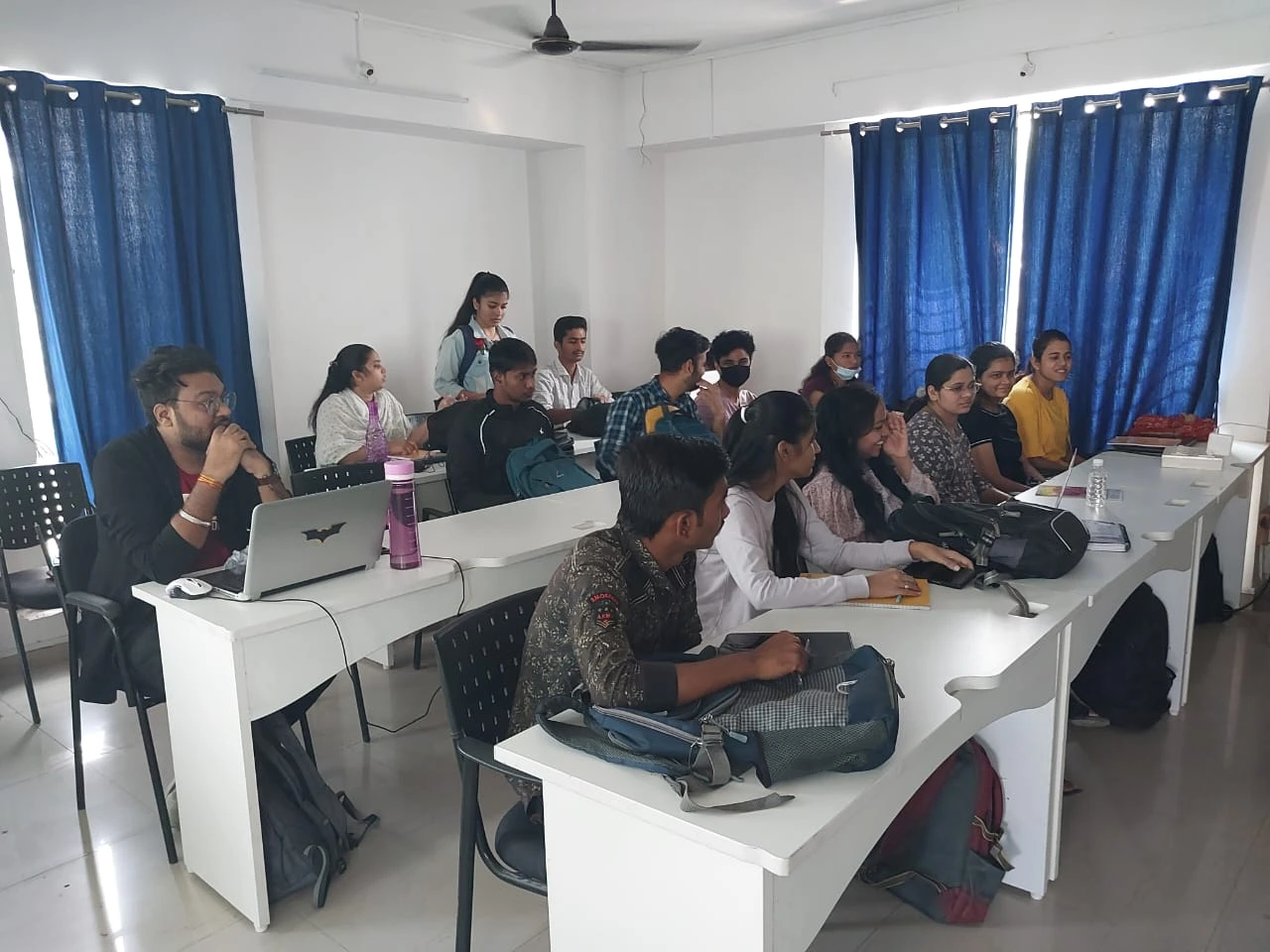
Get a Glimpse of Work Culture at UI UX Design Box

gallery1
gallery2
gallery3
gallery4
gallery5
gallery6
gallery7
gallery8
gallery9

Testimonials

What they are saying about us?

Thank you for your valuable training. I really enjoyed it and appreciate your work...such a amazing...thank you for your wisdom ✌️

Vaishnavi Adhale

Joined UI Ux course afer graduation . Good training with 8 live projects on ui ux. course helped me a lot

Pramod Halvankar

If you want to start your career in UiUx Design then UIUX Design Box is the BEST PLACE.The best training institutes to get your career started with UI/UX design even if you have zero knowledge about the field. Excellent guidance from my mentor ,They have excellent team which helped me to understand the concepts from basic with practical hands on.

Shivraj Bunage

This is the Best UIUX training classes in Pune, Maharashtra. They provide mentorship, training, live project everything under the guidance of their topmost faculties. All the staffs are supportive and will mentor you until you reach to your goal.

Shubham Kumar

I have really good experience with this institute. It's best institute for UIUX Design course. They provide good quality training and give placement to student. They also provide three month internship.

Prabha Kumbhar

Team

Our Mentors

mentor1

AJAY P.

Mentor
mentor2

Shayali C.

Mentor
mentor3

Shweta C.

Mentor
mentor4

Harshal C.

Mentor

TIE UPS WITH COMPANIES

Our Students are Placed at!


Placements & Companies

Contact

Contact Us

Address

UI UX Design Box, 2nd Floor
Butte Patil Complex
Kothrud, Paud Phata Rd
Near Dashabhuja Ganpati Temple, Kothrud, Pune, 411038

Call Us

+91 98060403764

Email Us

info@uiuxdesignschool.in
contact@uiuxdesignbox.in

Open Hours

Monday - Friday
9:00AM - 05:00PM

Loading
Your message has been sent. Thank you!